Terminals, browser and AI agents in one native Mac window.
Metal-drawn terminals, a browser built into your workspace, live status for your coding agents, and updates that install themselves.
v0.3.12 · 28.0 MB · macOS 14+ · Apple silicon · Notarized by Apple · Free for now · 288 downloads
On Linux? Get Tidepane for Linux
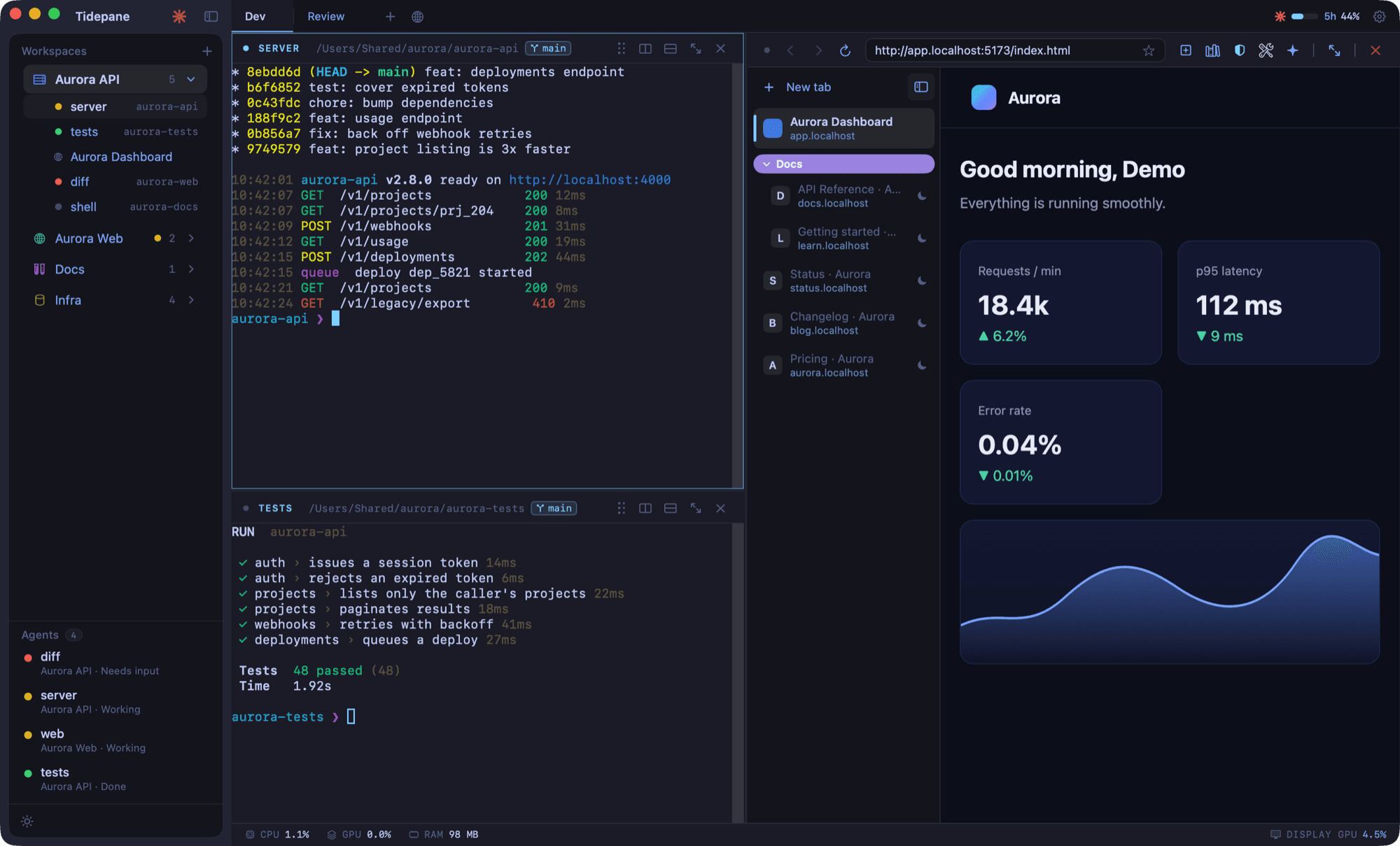
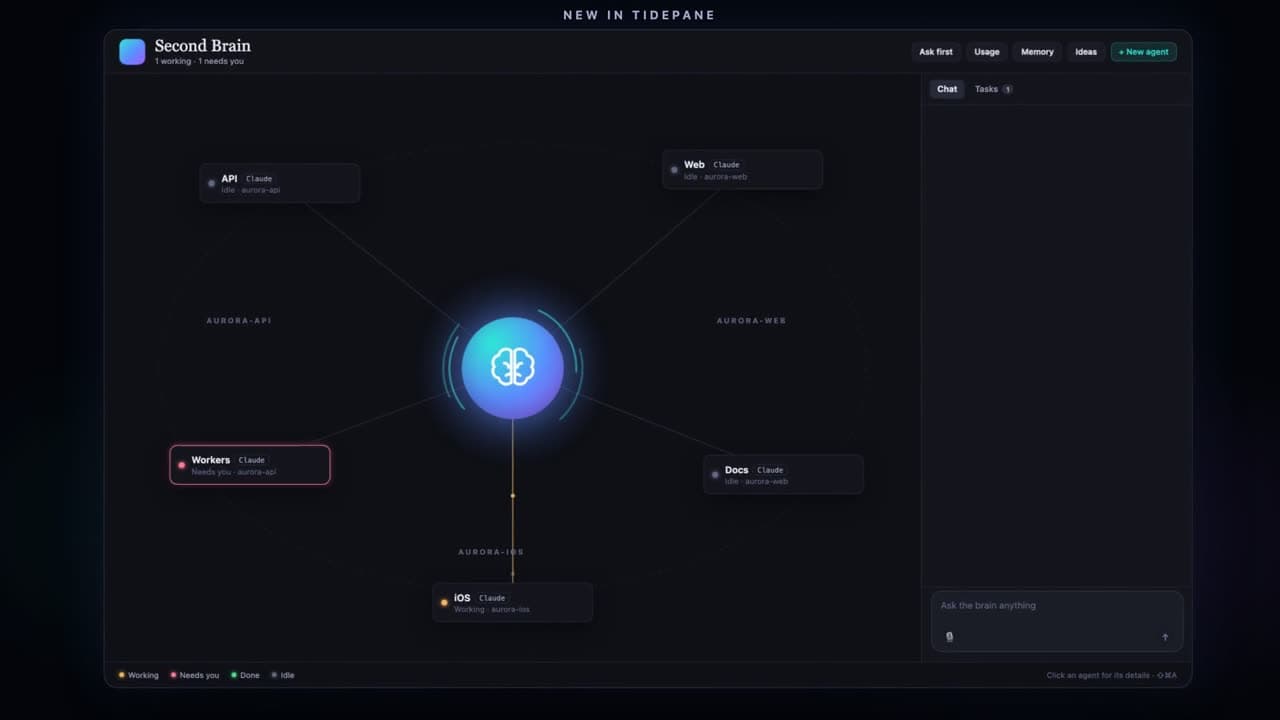
Everything you keep tabbing between, in one place.
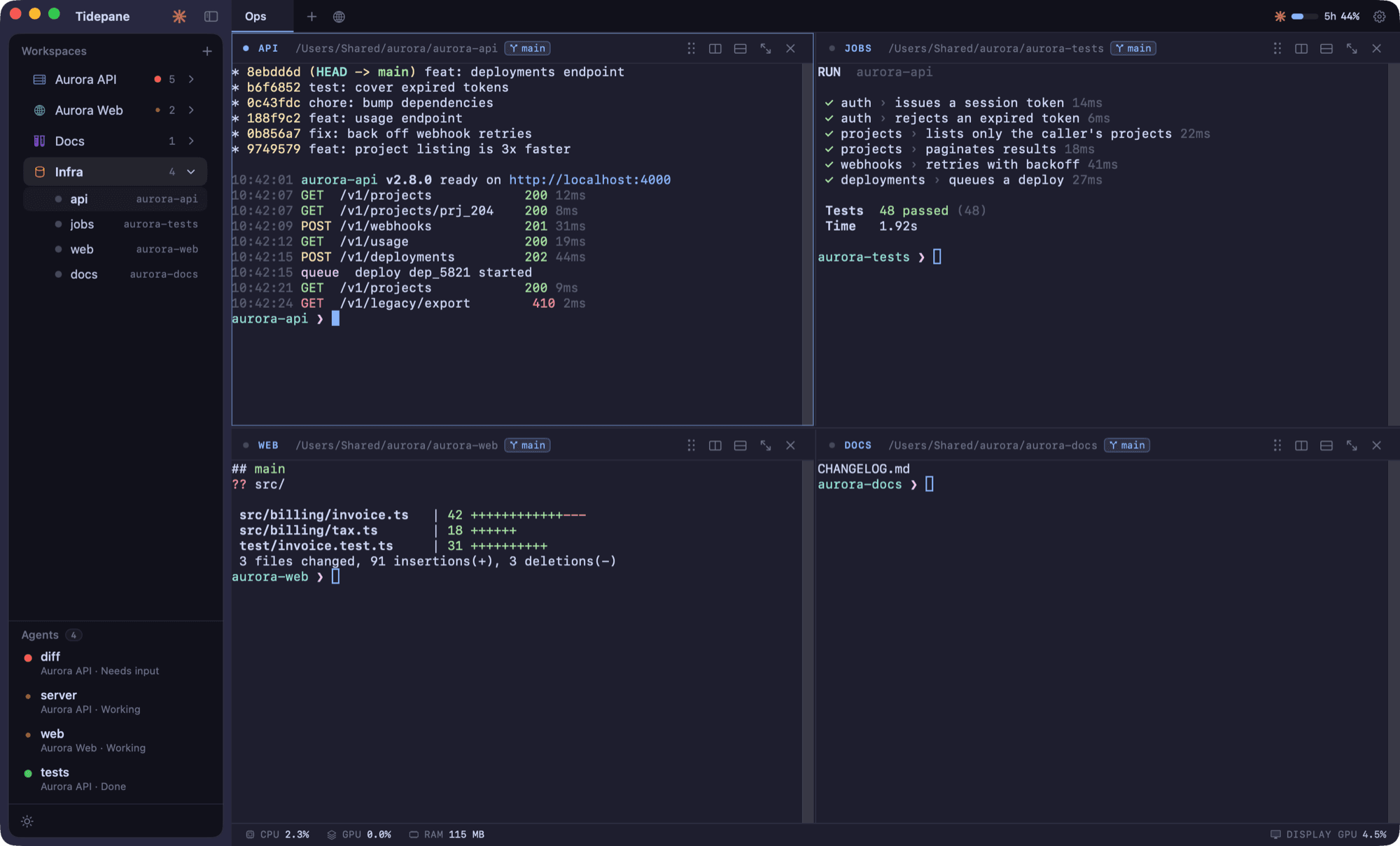
Terminals drawn by the GPU
Split a workspace into terminals side by side. They are drawn with Metal on the GPU.
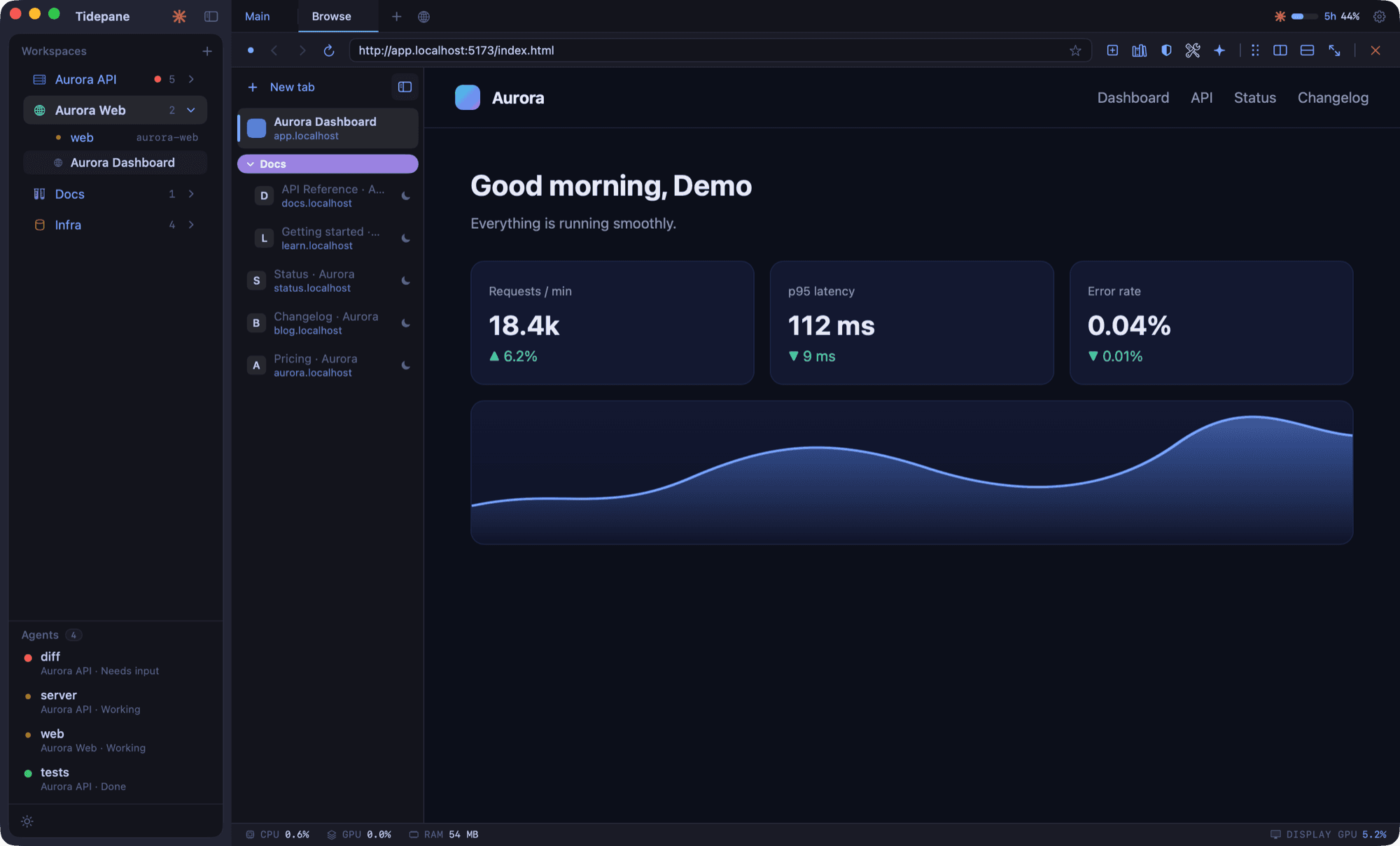
A real browser, right inside
Open your dev server, docs and dashboards next to the terminal that runs them. Vertical tabs group your pages, with bookmarks, history and ad blocking.
See what your agents are doing
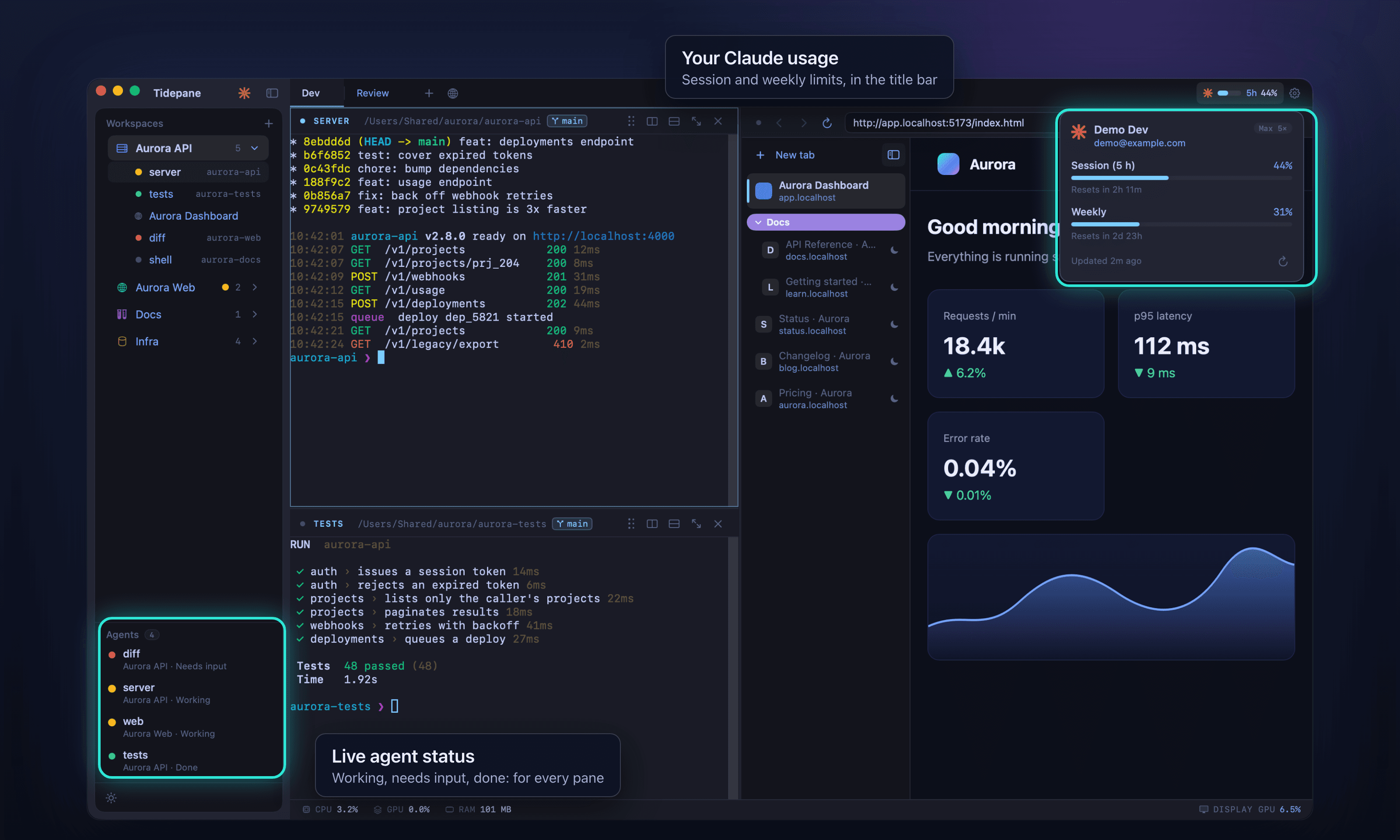
Each terminal running a coding agent shows live status in the sidebar: needs input, working or done. Glance across projects and jump to the one that is waiting for you.
Remember what Claude did
Tidepane keeps a log of what Claude Code did and what is still pending: your prompts, its summaries, the files it touched and its tasks, grouped by day with dates and times. Open it from the header or with Shift-Command-H, add tasks of your own, and mark work as verified. The log is on by default, records only while it is on, never reads anything from before, and stays on your Mac.
Updates that install themselves
Tidepane checks for new versions in the background. When one is ready, an Update button appears in the sidebar; click it and Tidepane restarts as the new version.
Make it yours.
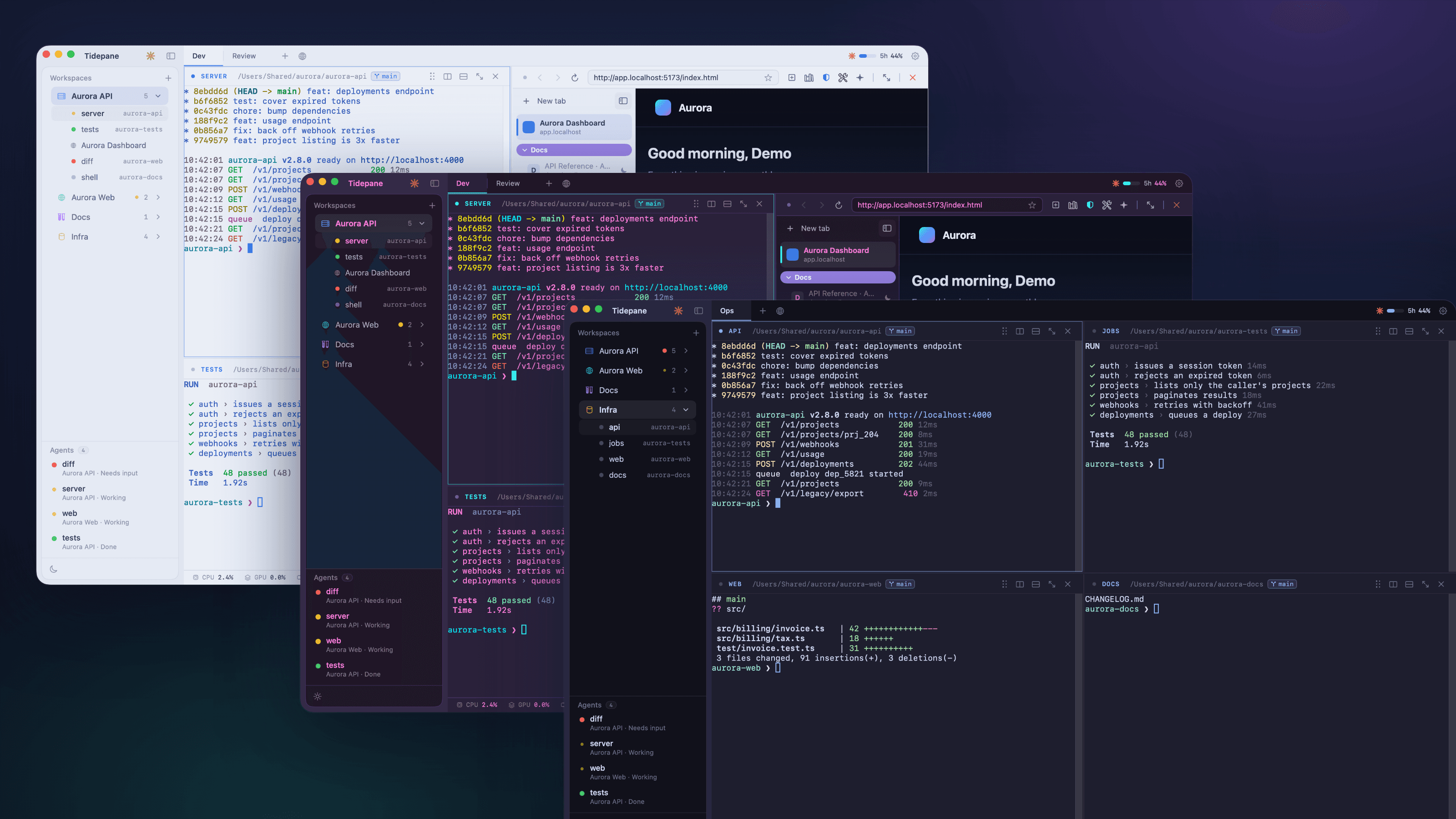
A theme recolors the terminals, the browser chrome and the sidebar together.
Install in a minute.
- 1
Download and open
Download the latest .dmg from this page and open it.
- 2
Move it to Applications
Drag Tidepane into your Applications folder.
- 3
Notarized by Apple
Open Tidepane from Applications. It is signed with an Apple Developer ID and notarized by Apple, so macOS opens it with no security warning. The first time, macOS asks whether to open an app downloaded from the internet: choose Open.
A Mac with Apple silicon (M1 or later) running macOS 14 or later. Intel Macs are not supported.
Tidepane for Linux
Terminals, a built-in browser and live status for your coding agents in one window, on Linux. Packages for x86_64 and ARM64, as an AppImage or a .deb.
v0.1.14 · Free for now
Make the AppImage executable and run it, or install the .deb with your package manager. The packages are built on Ubuntu 22.04 and run on it and on later distributions. The .deb pulls in what it needs; the AppImage needs the sound library libasound2, which most desktops already have (sudo apt install libasound2). The AppImage updates itself; for the .deb, install the newer one over it.
Questions
Does it run on Intel Macs?
Tidepane does not: it is Apple silicon only, so you need an M1 or later. Intel Macs are not supported.
Does it run on Linux?
Yes. Tidepane for Linux is a separate build with its own downloads: an AppImage or a .deb, for x86_64 and ARM64. See Tidepane for Linux above. The Mac app, Tidepane, is macOS only.
Does Tidepane collect any data?
The app does not: no accounts and no analytics. Your workspaces, layouts, bookmarks and history stay in a local database on your Mac, and so does the task log if you keep it on. The only network traffic is the pages you open, their site icons and the check for updates. This website asks for your email before a download so we can send you release news. It is stored with our email provider, Resend. We send one message asking you to confirm the address, release news goes only to confirmed addresses, and every message has an unsubscribe link.
What does the task log record?
For Claude Code sessions in your workspaces: your prompts, its summaries, the files it touched, line counts, cost and its task list, each with a date and time. It is on by default, records only while it is on and never reads history from before that. It is stored in the same local database, secrets are removed on a best-effort basis, and you can turn it off, leave out a workspace, or clear it in Settings.
How do updates work?
Tidepane checks for a new version about once an hour. When one is ready, an Update button appears in the sidebar and the app restarts as the new version.
Is Tidepane notarized by Apple?
Yes, from version 0.3.1. Every release is signed with an Apple Developer ID and notarized by Apple, so macOS opens it with no security warning. The first time, macOS asks whether to open an app downloaded from the internet: choose Open.
Is it open source?
The source code is private. Every release is published, signed, on the public releases page.
What does it cost?
Free for now.
Do I need Claude or another AI agent?
No. Tidepane works as a terminal and browser workspace on its own. If you run coding agents in it, their status shows in the sidebar.
One window. Everything running.
bySamir Kumalv0.3.12 · 28.0 MB · macOS 14+ · Apple silicon · Notarized by Apple · Free for now