Terminals, browser and AI agents in one native Mac window.
Metal-drawn terminals, a browser built into your workspace, live status for your coding agents, and updates that install themselves.
v0.1.7 · 5.3 MB · macOS 14+ · Apple silicon · Free for now
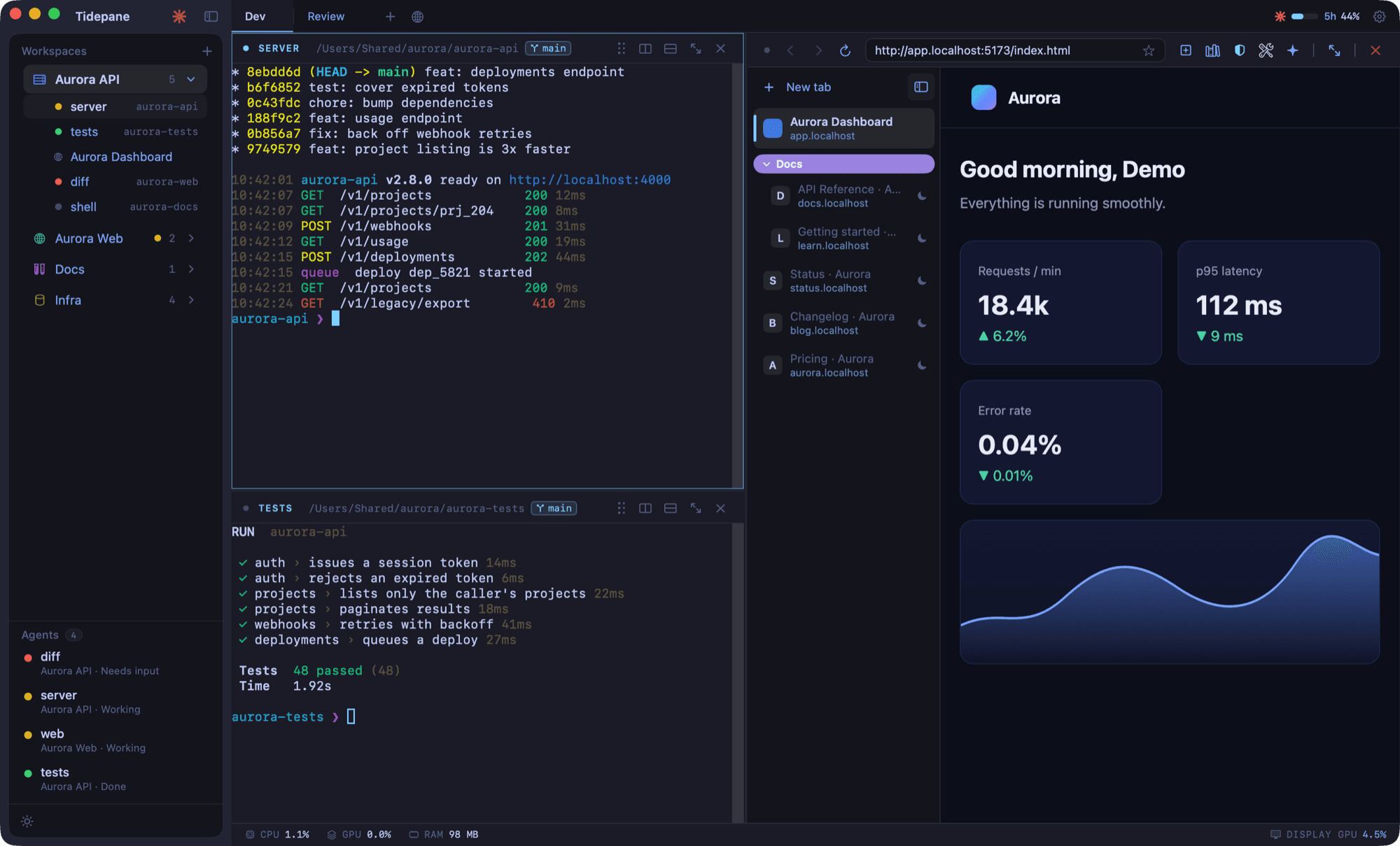
Everything you keep tabbing between, in one place.
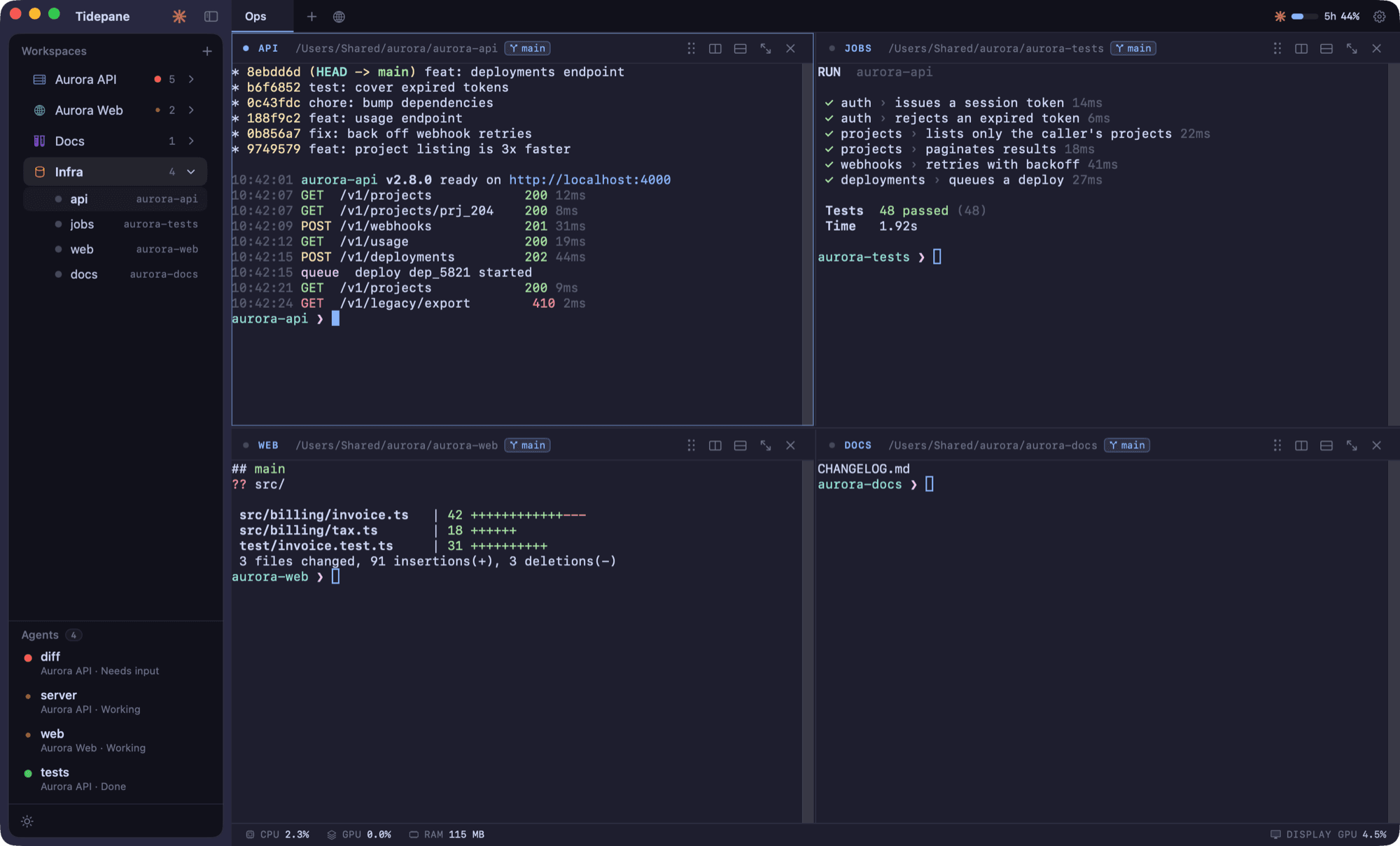
Terminals drawn by the GPU
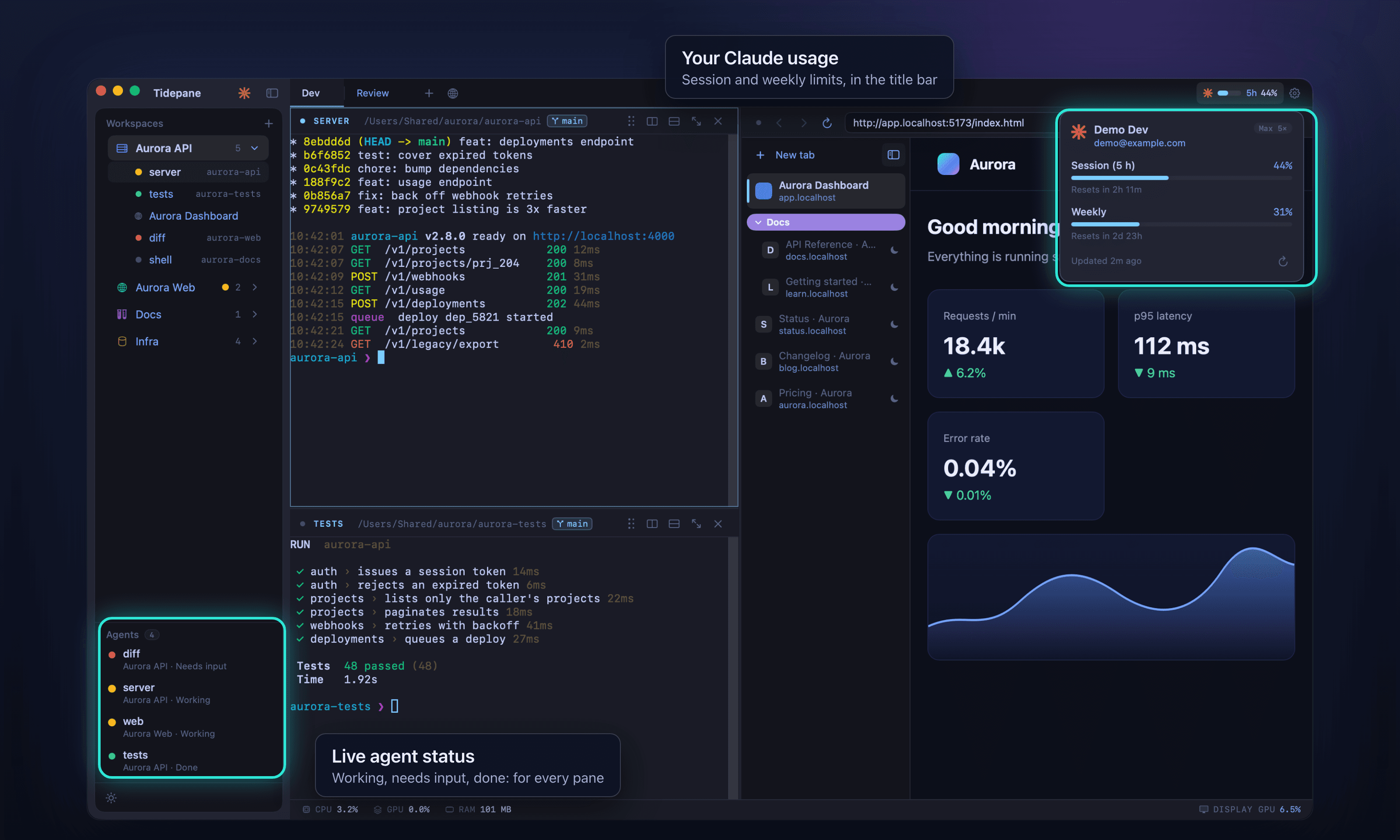
Split a workspace into terminals side by side. They are drawn with Metal on the GPU.
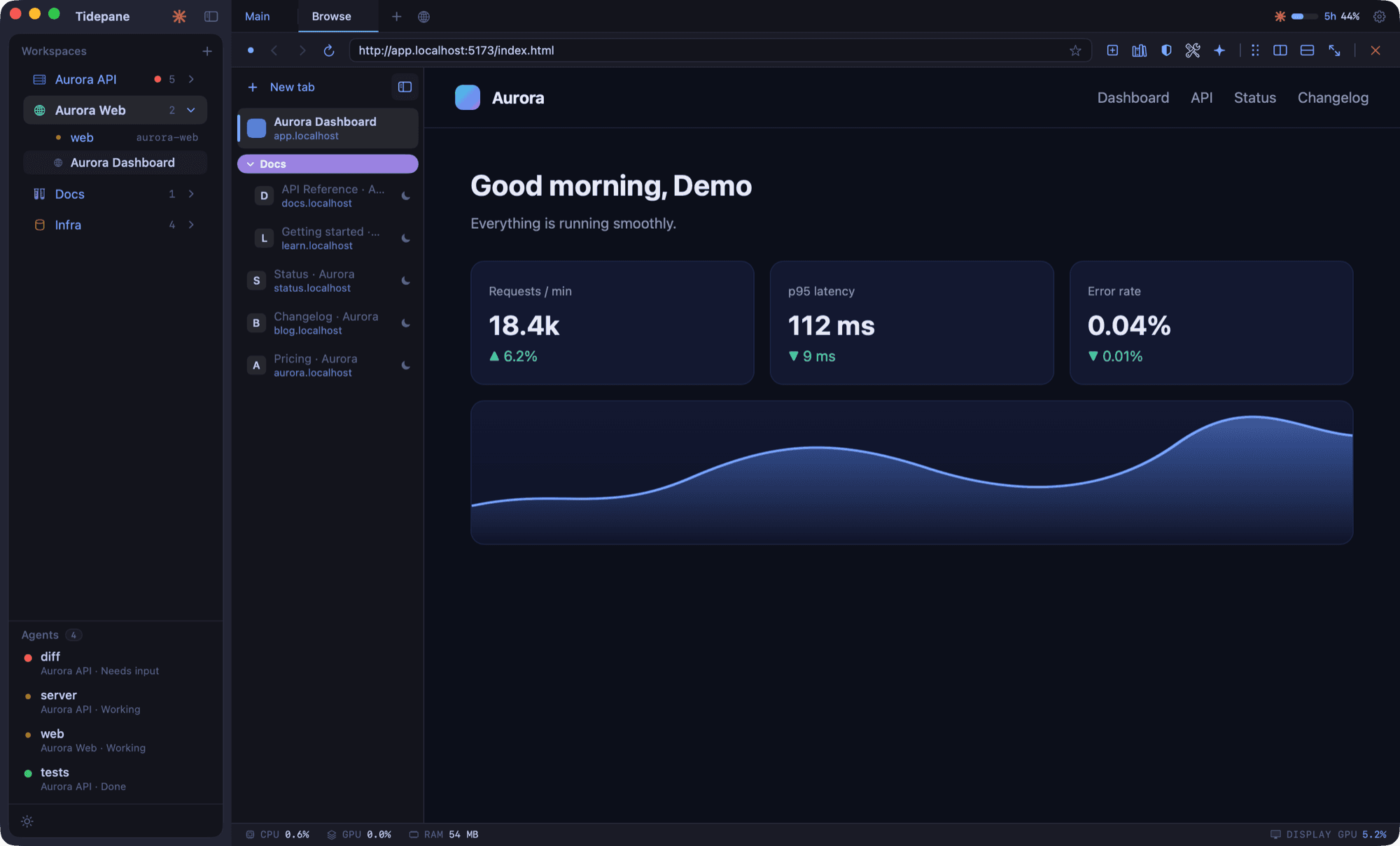
A real browser, right inside
Open your dev server, docs and dashboards next to the terminal that runs them. Vertical tabs group your pages, with bookmarks, history and ad blocking.
See what your agents are doing
Each terminal running a coding agent shows live status in the sidebar: needs input, working or done. Glance across projects and jump to the one that is waiting for you.
Updates that install themselves
Tidepane checks for new versions in the background. When one is ready, an Update button appears in the sidebar; click it and Tidepane restarts as the new version.
Make it yours.
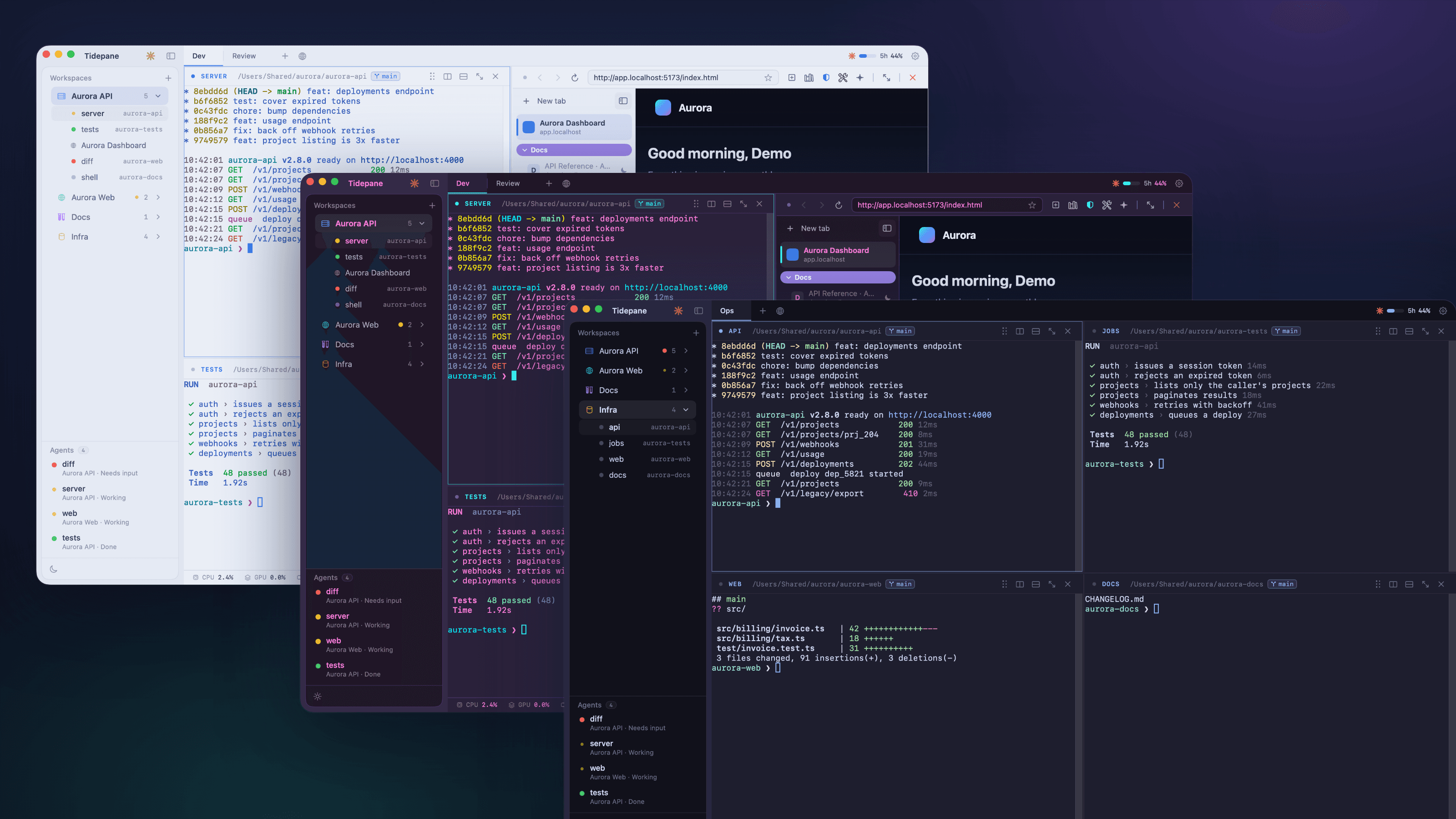
A theme recolors the terminals, the browser chrome and the sidebar together.
Install in a minute.
- 1
Download and unzip
Download the latest .zip from this page and unzip it.
- 2
Move it to Applications
Drag Tidepane into your Applications folder.
- 3
Open it the first time
Tidepane is signed but not yet notarized by Apple, so macOS blocks the first launch. Open System Settings, go to Privacy & Security, and choose Open Anyway next to Tidepane. On macOS 14 you can also Control-click the app and choose Open. You only do this once.
A Mac with Apple silicon (M1 or later) running macOS 14 or later. Intel Macs are not supported.
Questions
Does it run on Intel Macs?
No. Tidepane is Apple silicon only, so you need an M1 or later. Intel Macs are not supported.
Does Tidepane collect any data?
No accounts and no analytics. Your workspaces, layouts, bookmarks and history stay in a local database on your Mac. The only network traffic is the pages you open, their site icons and the check for updates.
How do updates work?
Tidepane checks for a new version about once an hour. When one is ready, an Update button appears in the sidebar and the app restarts as the new version.
Why does macOS warn me the first time?
The app is signed but not yet notarized by Apple. Choose Open Anyway in System Settings under Privacy & Security, once, and it opens normally from then on.
Is it open source?
The source code is private. Every release is published, signed, on the public releases page.
What does it cost?
Free for now.
Do I need Claude or another AI agent?
No. Tidepane works as a terminal and browser workspace on its own. If you run coding agents in it, their status shows in the sidebar.
One window. Everything running.
bySamir Kumalv0.1.7 · 5.3 MB · macOS 14+ · Apple silicon · Free for now